Before you install
Buy a plan first. You get a license by email.
Have your order email ready before you start installation.
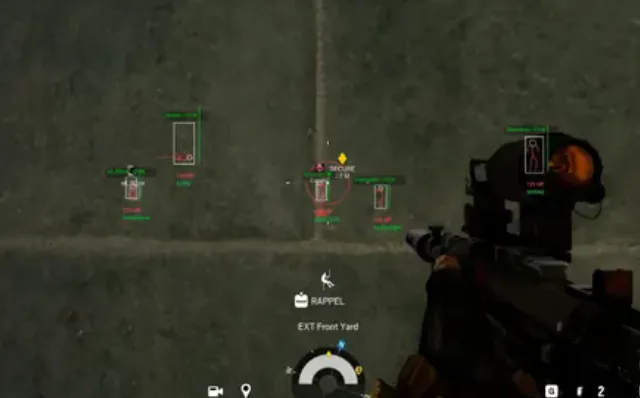
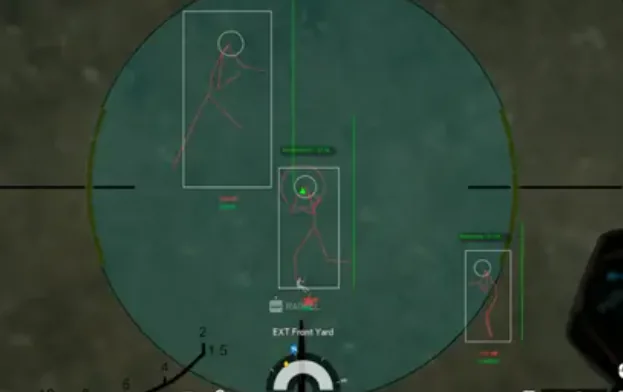
The Final Cheats runs on Windows 10 or 11 (64-bit) with administrator rights for the loader. Close conflicting overlays and aim for 8 GB RAM minimum (16 GB recommended) for smooth ESP in busy arena fights.
- Windows 10 / 11 PC
- Disable conflicting overlays
- Have your order email ready
Install steps
Run the loader as admin, paste your license, then launch The Finals.
Download the loader from your delivery email and follow the steps in order.
- Download the loader from your delivery email
- Paste license key
- Launch the game
If something fails
Check Status after a patch. Email support@thefinalscheats.org with your order ID.
Include your Windows version and what you already tried for faster replies.
Official game guides & resources
We link to trusted third-party sources so you can verify patch notes, player stats, and map info outside our site.
- The Finals on Steam Official store page, system requirements, and player reviews.
- Steam patch notes & news Read official update posts before you change your loadout.
- Official The Finals website Game overview from Embark Studios.
- The Finals Wiki (Fandom) Player stats, maps, and survival mechanics.
- Steam Community hub Announcements and community discussions.